
Go to the portal https://univr.esse3.cineca.it/Home.do and from the top right menu select the Admission Competition item and then the blue button "Registration for Admission Competitions".
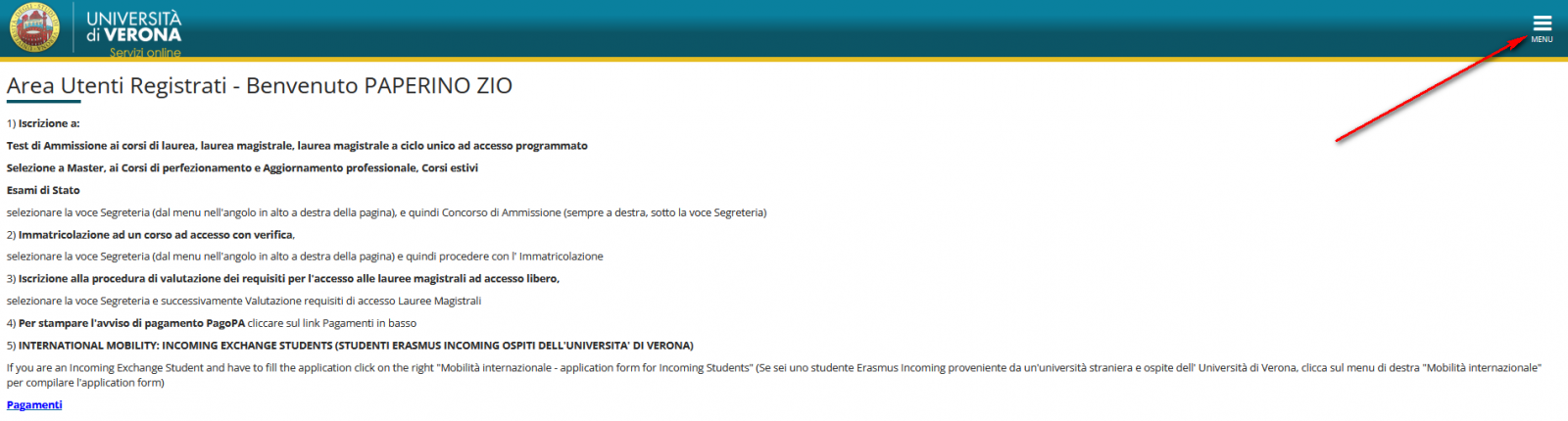
.png)
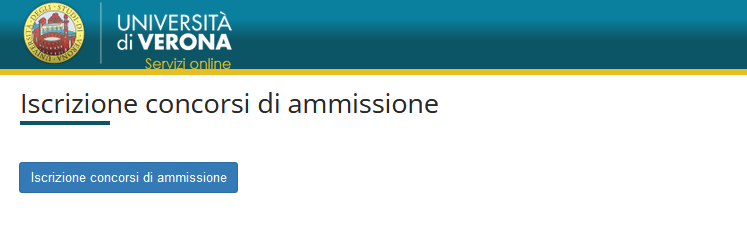
Select National Competitions only for the degree programs in Medicine and Surgery, Technology-focused Medicine and Surgery, and Dentistry and Dental Prosthetics.
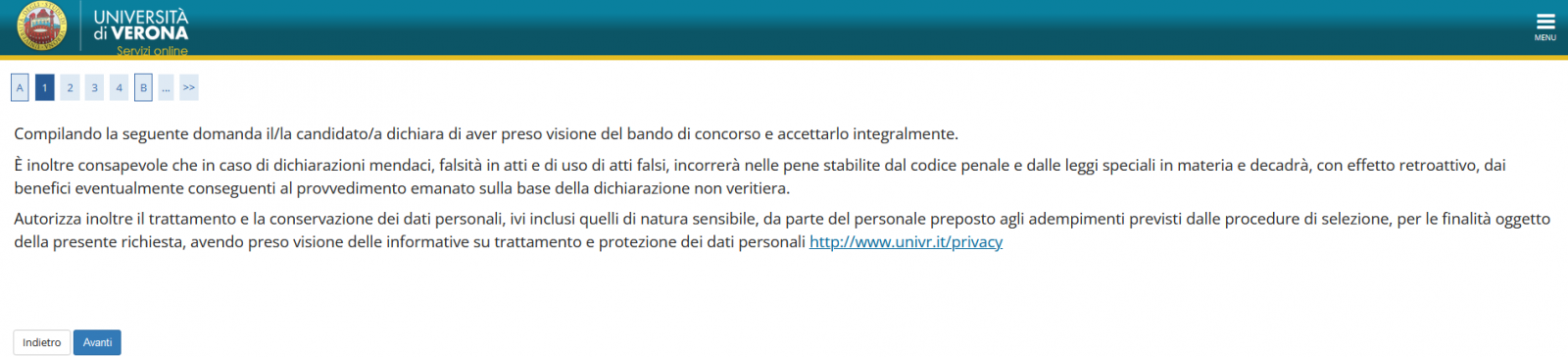
To continue, you must accept the privacy policy and click Next.
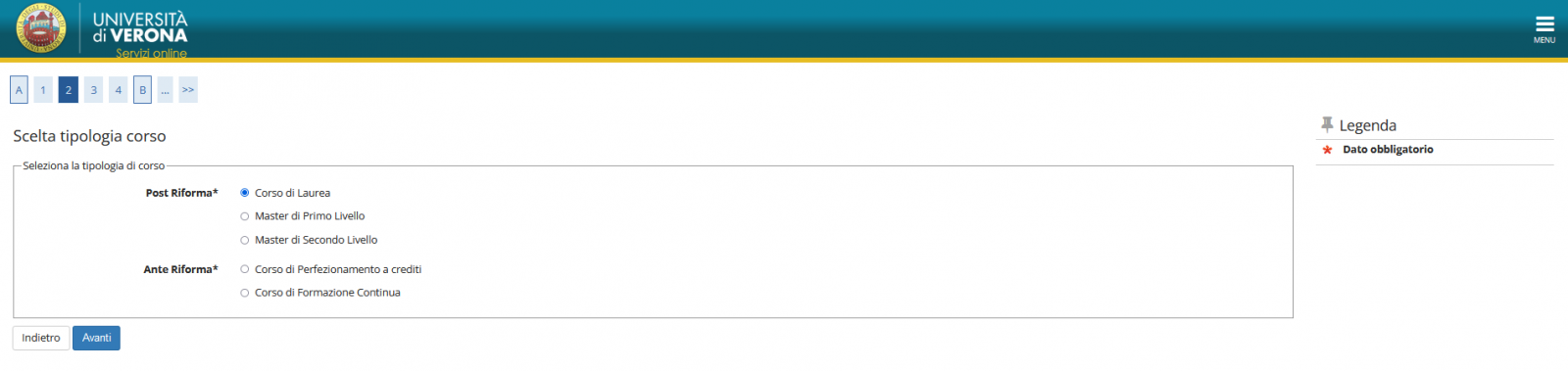
Select the Degree Courses item and click Next.
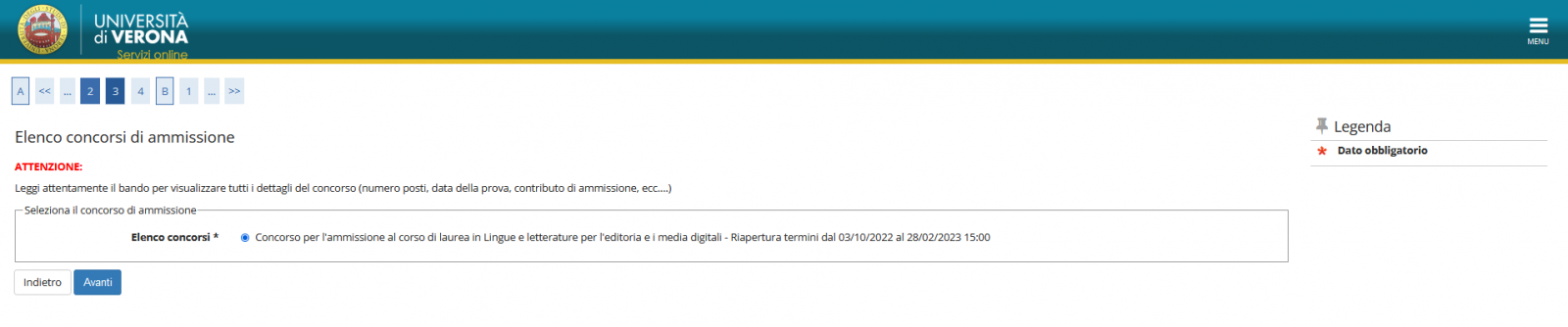
Select the entrance exam you wish to apply for, click Next, then Confirm and continue.
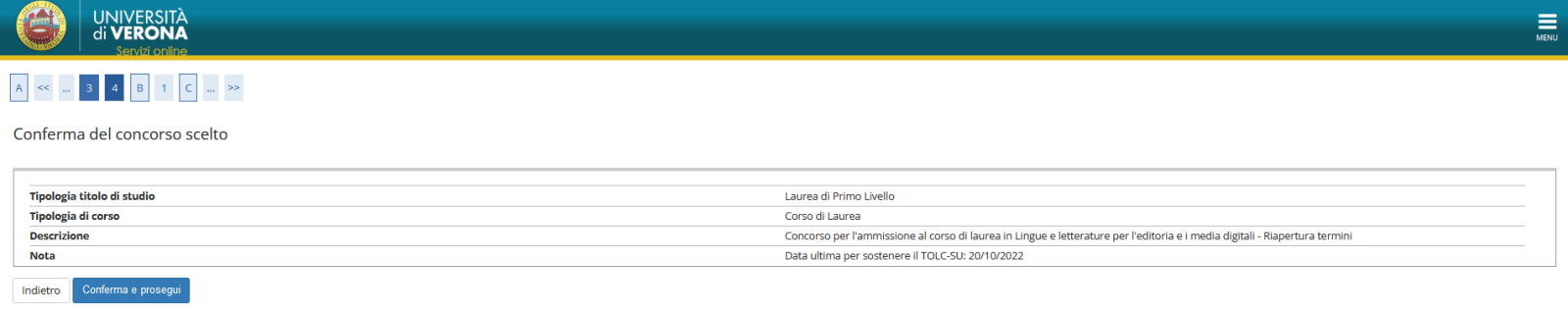
Verify that the data entered is correct and Confirm.
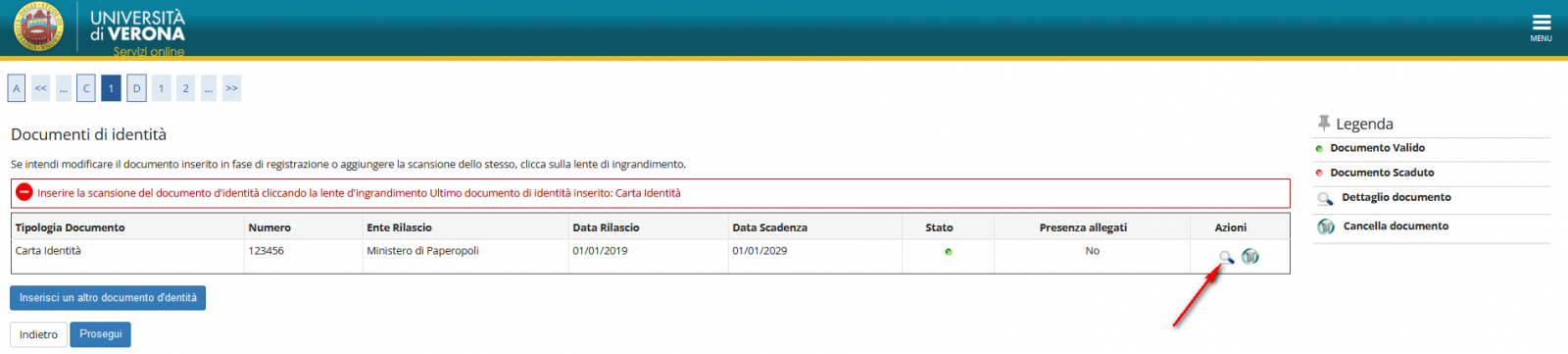
.png) Check the correctness of the identity document and continue.If the document has expired and/or you wish to replace it, select "Enter another identity document" and follow the instructions.
Check the correctness of the identity document and continue.If the document has expired and/or you wish to replace it, select "Enter another identity document" and follow the instructions.
Please note: If you registered with SPID, attaching the document is not required; otherwise (foreigners and minors), you cannot proceed without uploading the PDF of the document. To attach the document, click on the magnifying glass icon.
Depending on the admission announcement, you may be asked to select a specific curriculum or degree program.
 Review the information about the test and any requests for assistance and click Next.
.png)
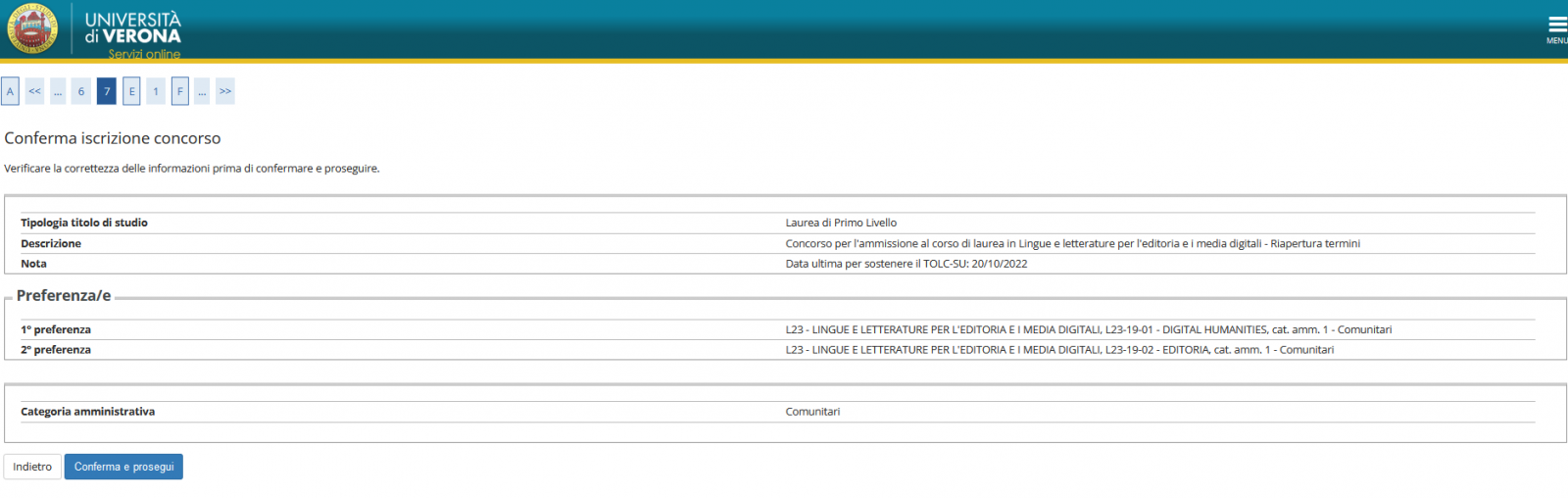
Check the data in the summary and Confirm and continue.
 Following the instructions, enter your qualification, filling out all the required information (type, school, date obtained), and then click Continue.
Attention: If you have a qualification obtained abroad, please contact admissions@ateneo.univr.it
.png)
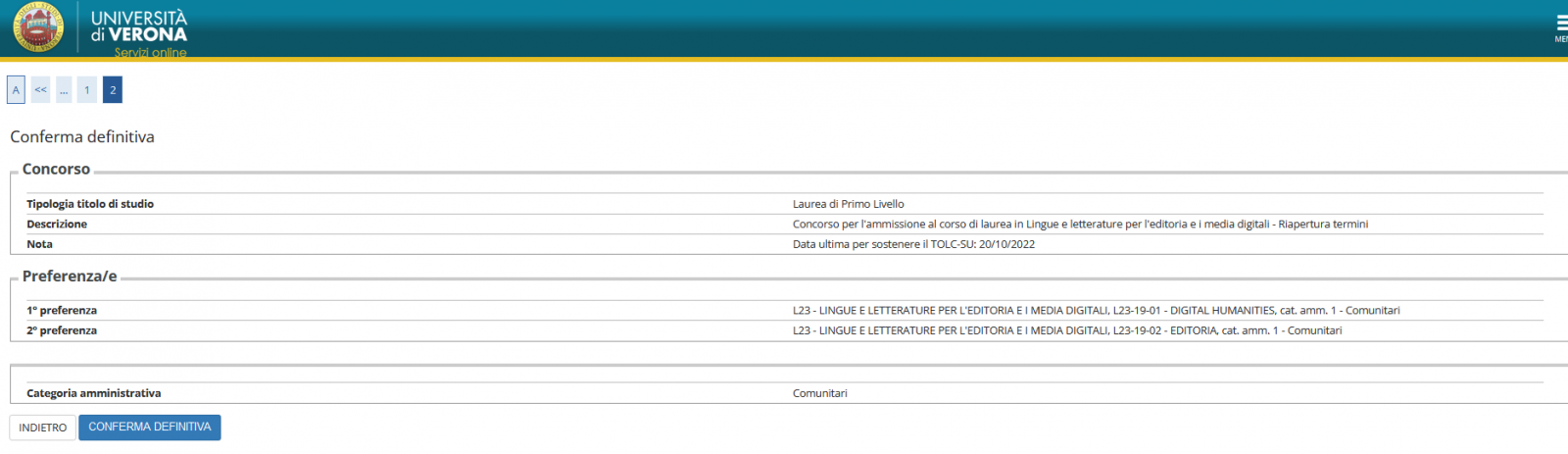
Check the data summary and proceed with the Final Confirmation.
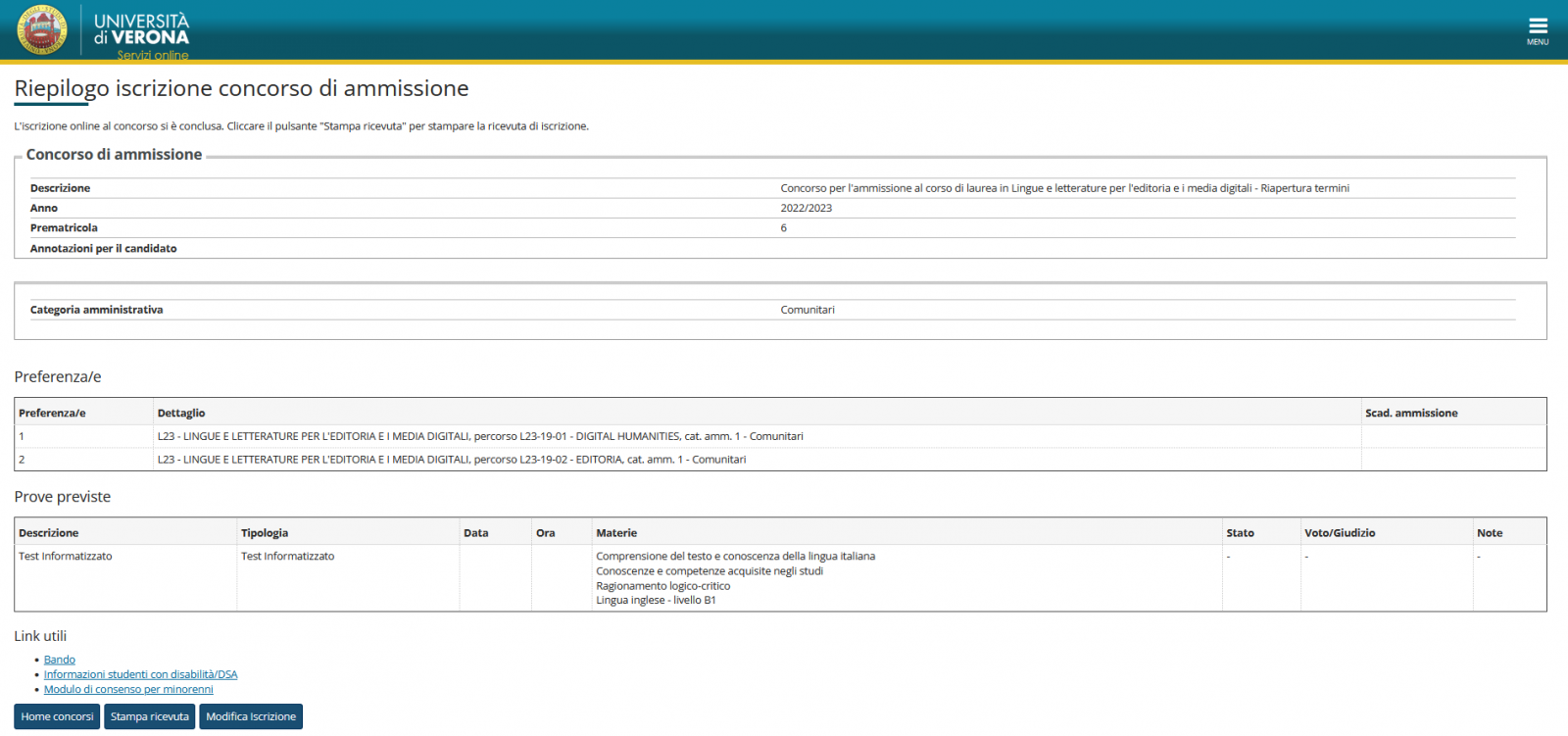
On the final summary screen, you can print your receipt and/or modify your registration, and make payments if the admission exam requires a fee.
Once you exit Esse3, to view the summary screen again, simply follow the path "Segreteria -> Concorso di ammissione -> Lista di concorso in which you are registered" from the top-left menu.
You can also proceed with registering for another exam using the same path.

Hours
- Service managed by: